New Feature: Native GLB Support in Maverick Excelsior
Discover how Maverick Excelsior's new native GLB support and Quick Video mode can help you create stunning jewelry presentations ten times faster.

Blog
Insights, tutorials, and updates from the world of 3D jewelry visualization, written by the people building it.
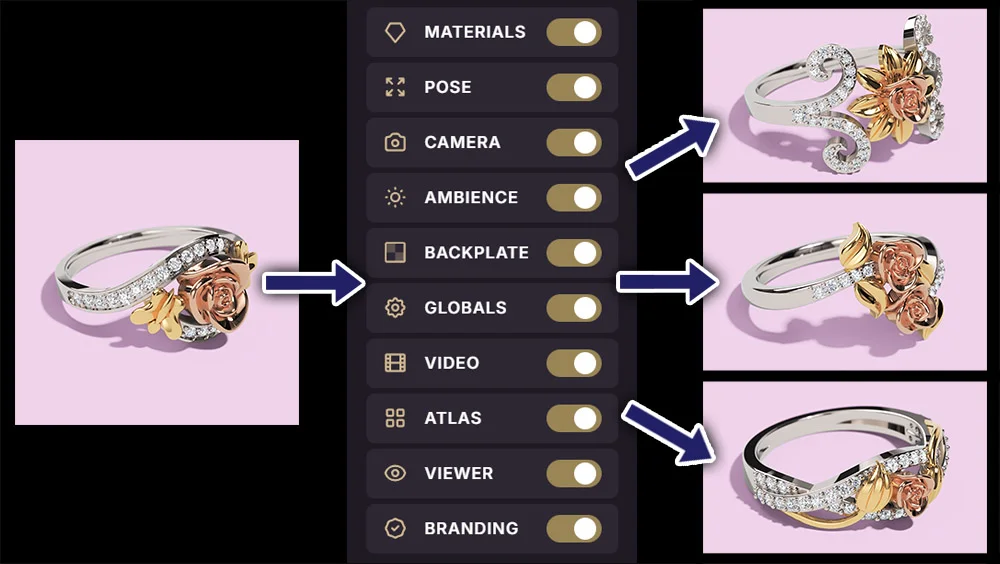
Save hours of manual tweaking. Find out how Maverick Excelsior's Dressings let you export your scene parameters and achieve a unified look in seconds.
Read the post
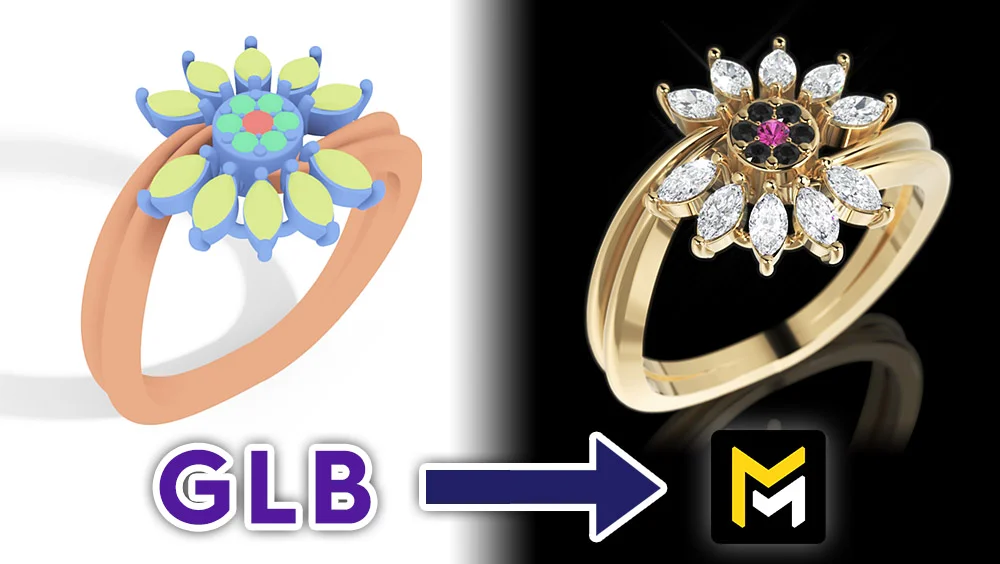
Discover how Maverick Excelsior's new native GLB support and Quick Video mode can help you create stunning jewelry presentations ten times faster.
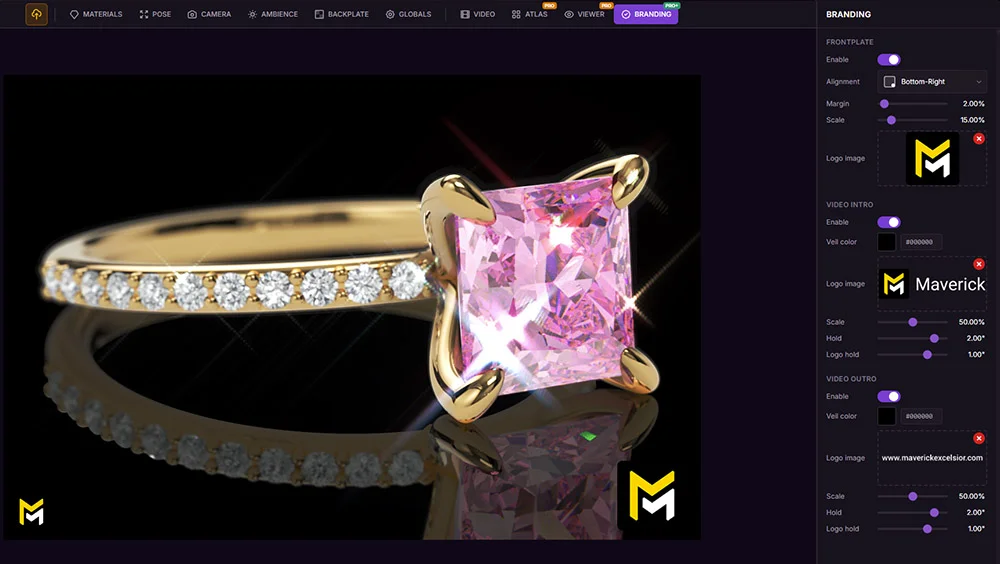
Present your jewelry designs with your custom branding directly inside Maverick Excelsior. Add a persistent watermark, intro, and outro logos with no external video editor required.
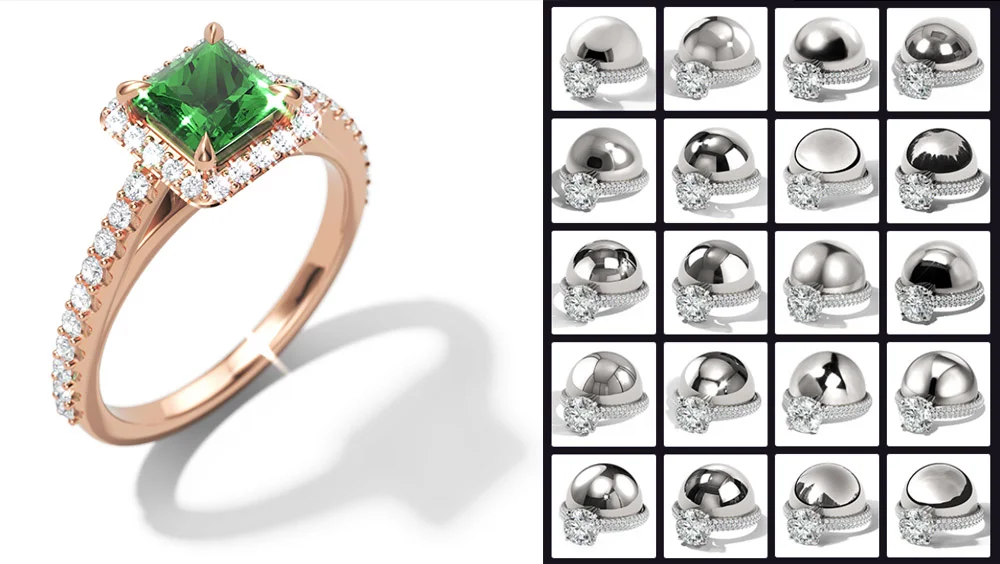
Choose from over 60 new lighting environments to showcase your jewelry, including a brand-new Sun category for hard-shadow, contrast-rich looks.
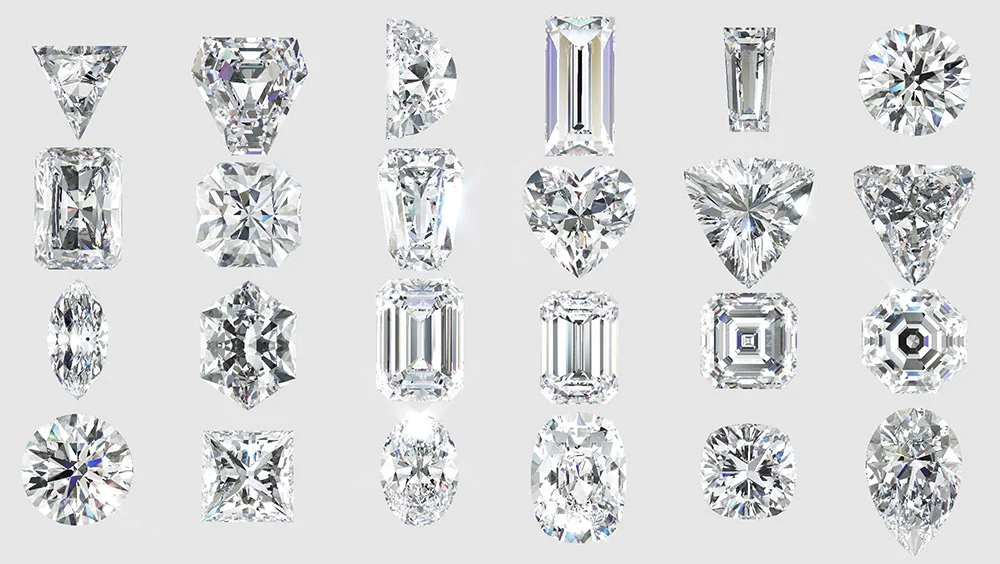
Most jewelry CAD gem libraries ship cuts with hidden defects. Here's why it matters for photo-real rendering, and how Maverick Excelsior quietly fixes them for you.
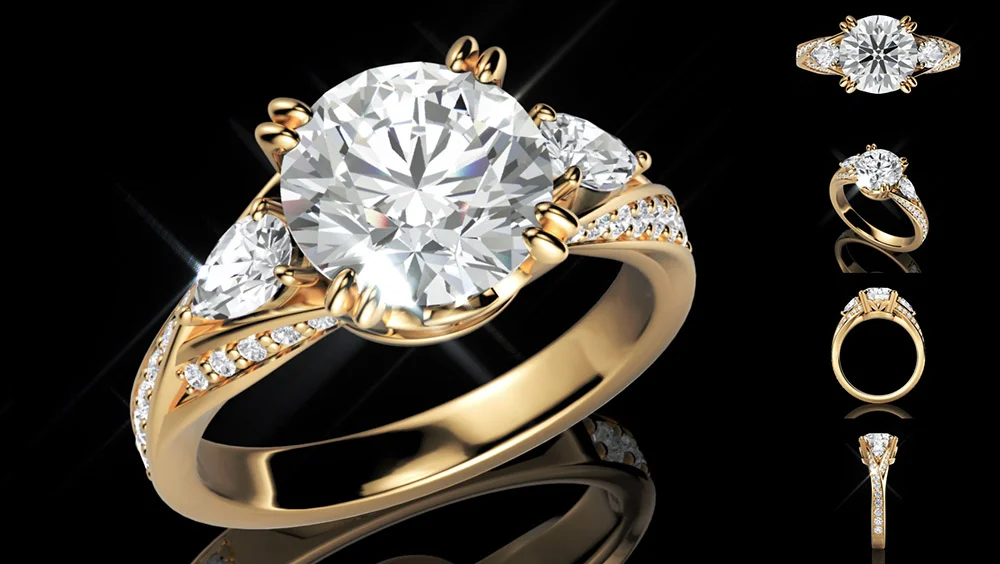
Create stunning layouts by rendering multiple views of your jewelry designs all at once.
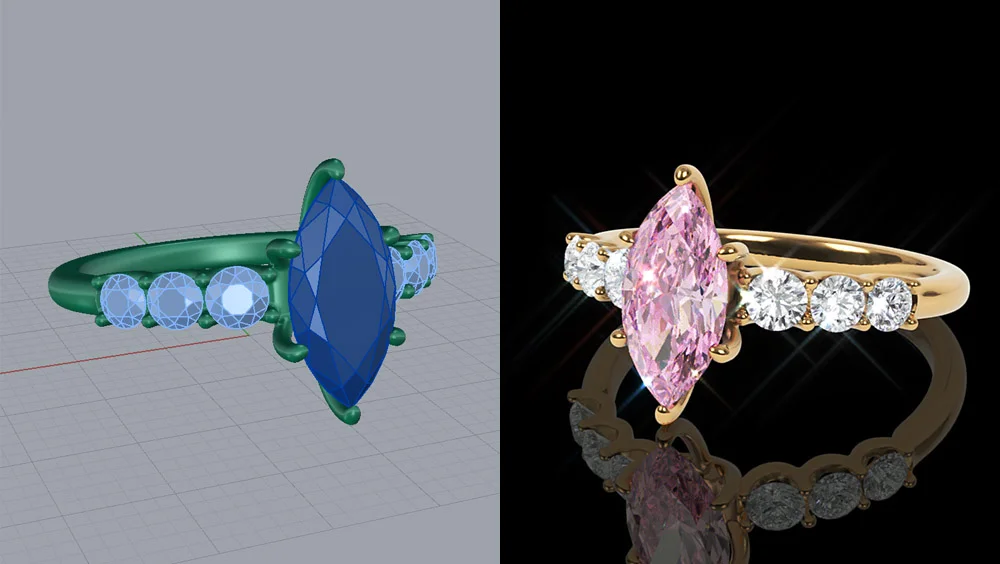
Try the Maverick Excelsior Demo using your own .3dm files. Discover how creating photorealistic renders and videos of your models is easier than ever.
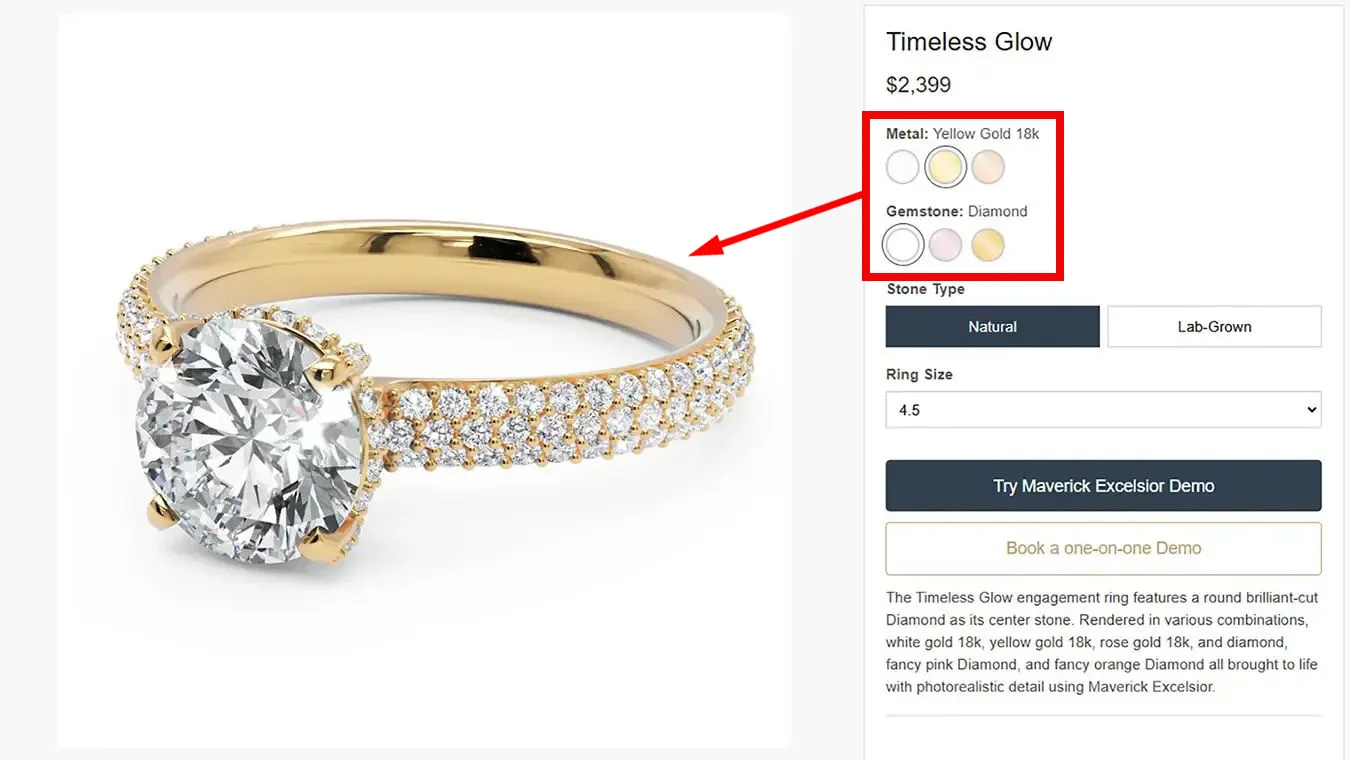
Last time we learned how to host the viewer. Today, let's take one step further by adding buttons that change materials in real-time.
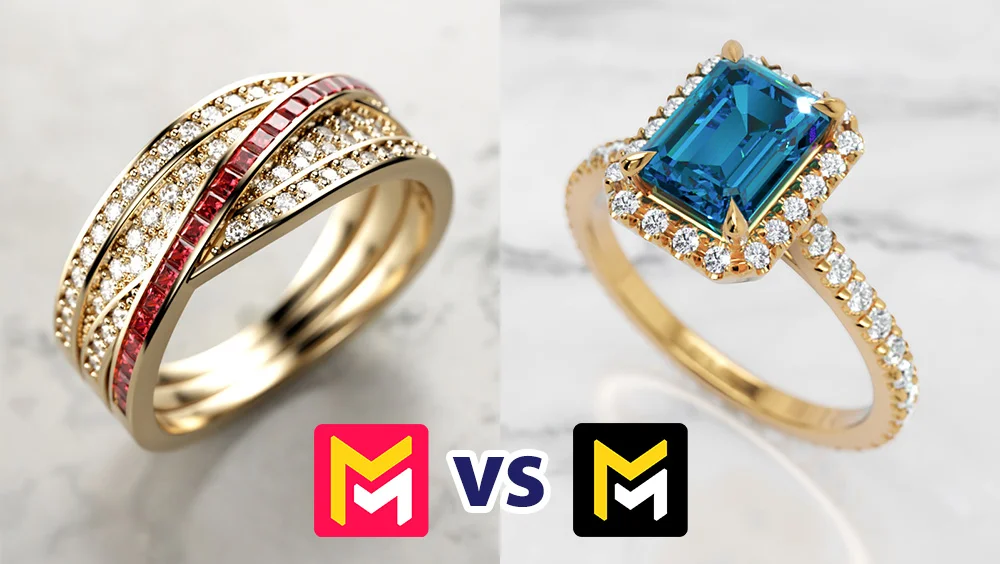
Maverick Render is a full rendering suite that needs a powerful NVIDIA PC. Excelsior is a browser-based tool built purely for jewelry. Here is how to choose.
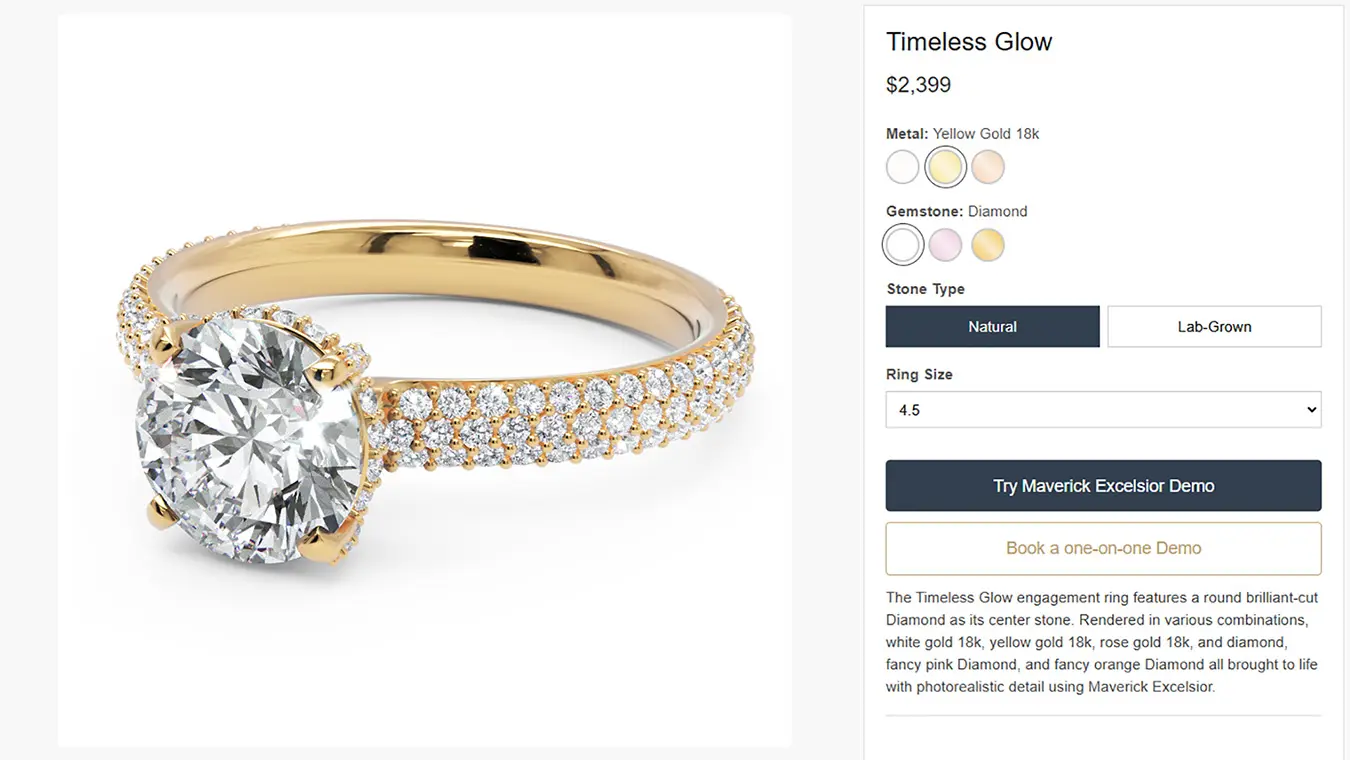
Learn how to host the Maverick Excelsior viewer on your own website with just a simple HTML file. Perfect for developers who want full control.
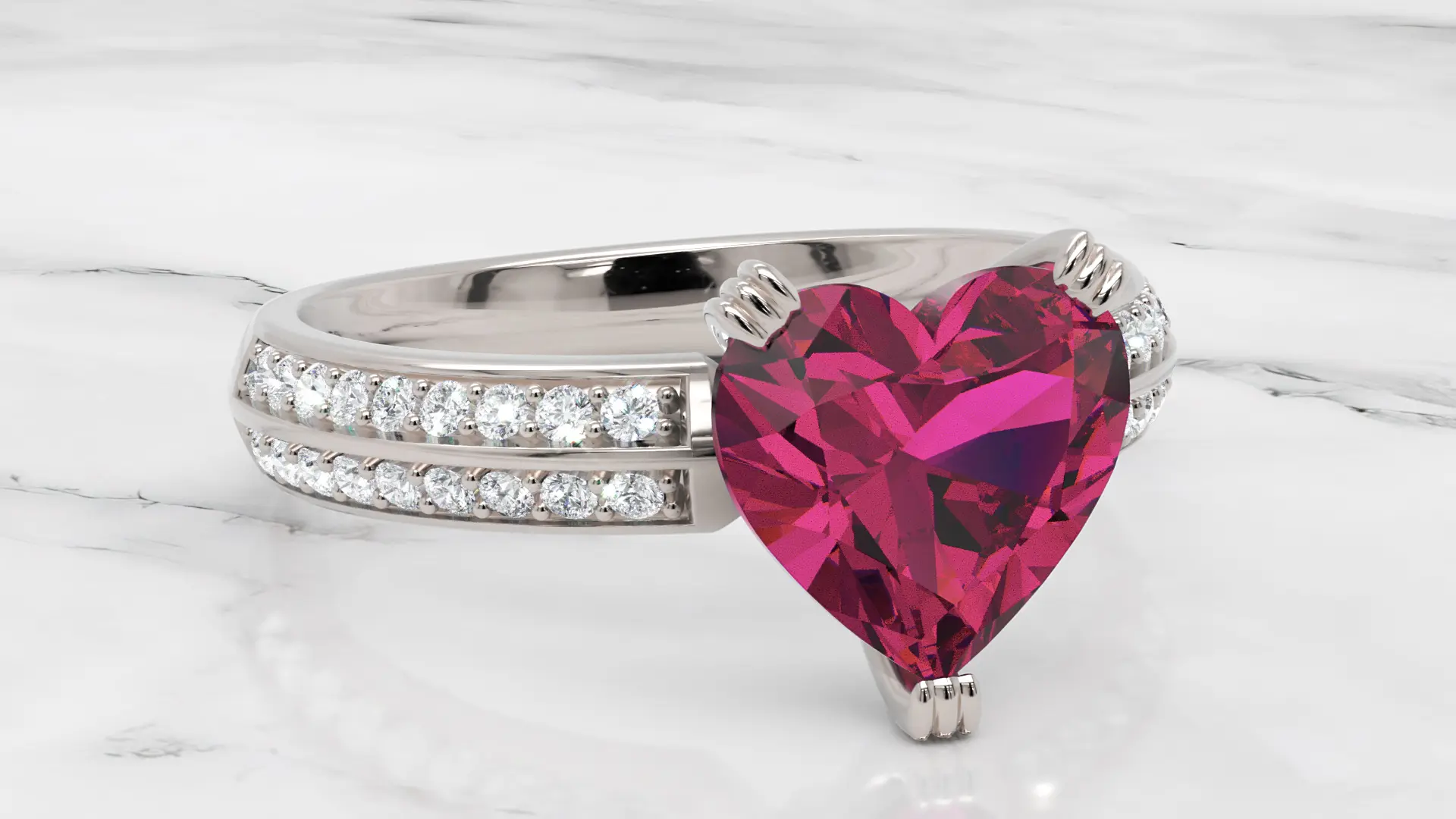
Adding an interactive jewelry configurator to your website is easier than you think. Let me show you how.

Understanding how Maverick Excelsior protects your intellectual property through client-side processing and proprietary encryption.
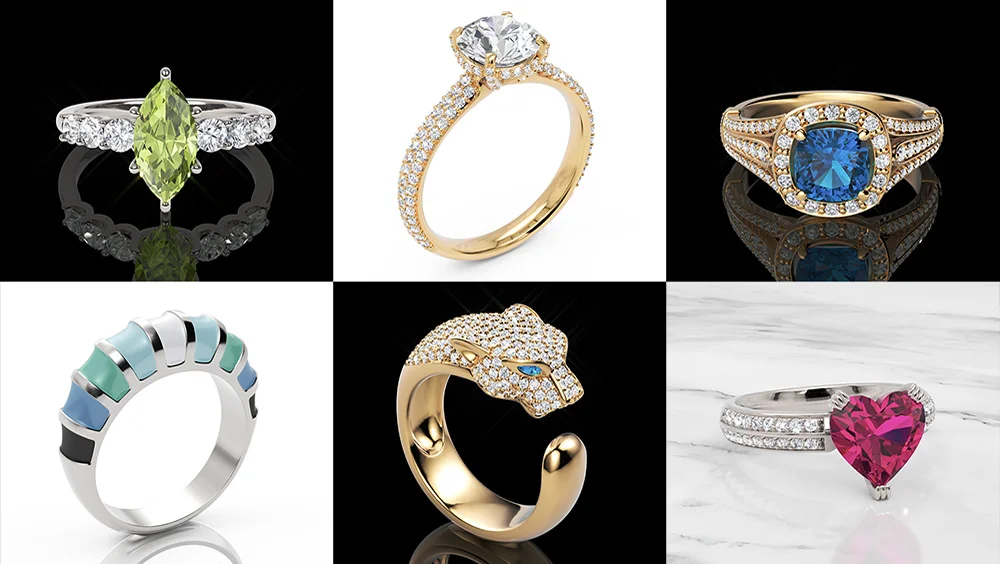
Hey there! I'm Víctor, and I'd like to personally invite you to try the Maverick Excelsior Demo. No strings attached. Sign up and explore our 3D jewelry samples to discover the full potential of Maverick Excelsior.
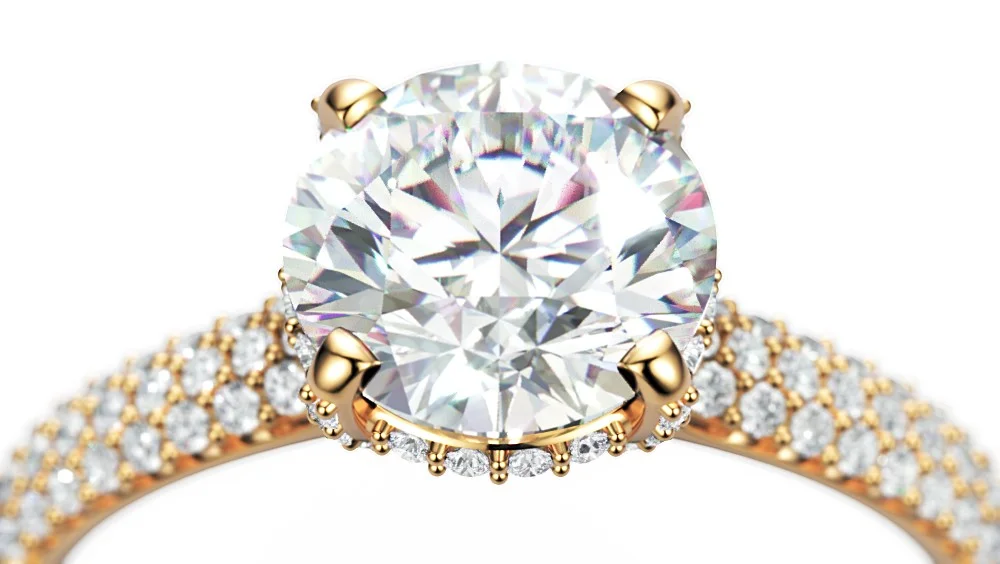
Welcome to our new blog where we'll share insights, tutorials, and updates about 3D jewelry visualization technology and the latest Maverick Excelsior features.
Join us
Join hundreds of jewelers using professional 3D visualization.