Copy & Paste Scene Settings with Dressings
Say Goodbye to Repetitive Scene Setups: Introducing Dressings in Maverick Excelsior
If you are a 3D artist or a jewelry designer, you know the drill. You spend precious time meticulously tweaking a scene, adjusting the materials to get that perfect metal, dialing in the ambient lighting, setting up the depth of field, and framing the camera just right. Then you need to apply that exact same look to several other models in the same product line. Historically, that meant a lot of tedious, repetitive work.
Not anymore.
We are thrilled to introduce Dressings, a brand-new feature in the latest version of Maverick Excelsior that completely changes the game for your rendering workflow.
What Is a Dressing?
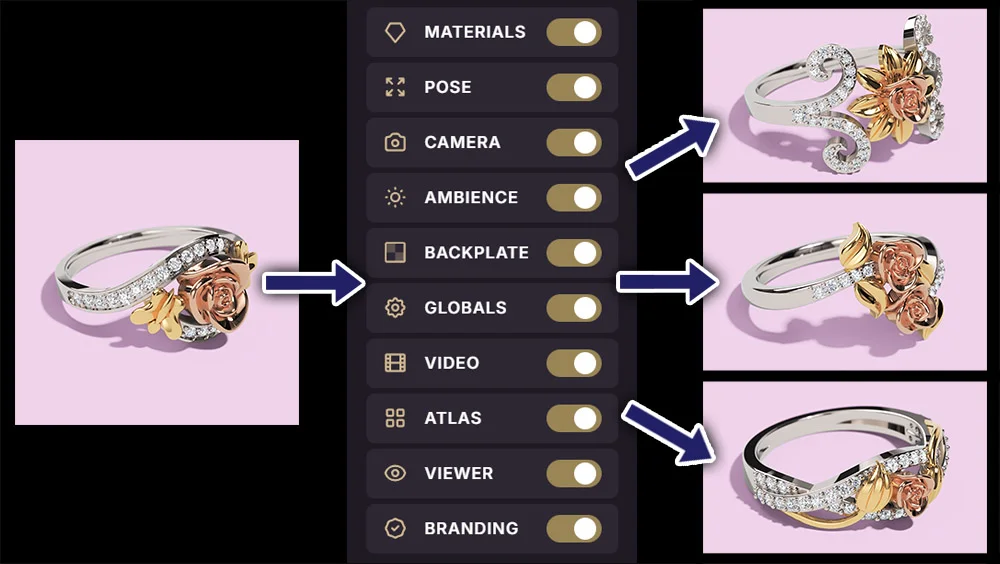
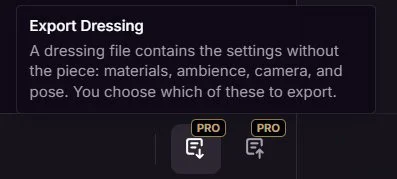
At its core, a Dressing lets you instantly copy and paste your scene configuration from one model to another. It captures the DNA of any category in your scene, meaning your materials setup, lighting, backplate, global settings and camera pose, and packages it into a single, easily exportable file.
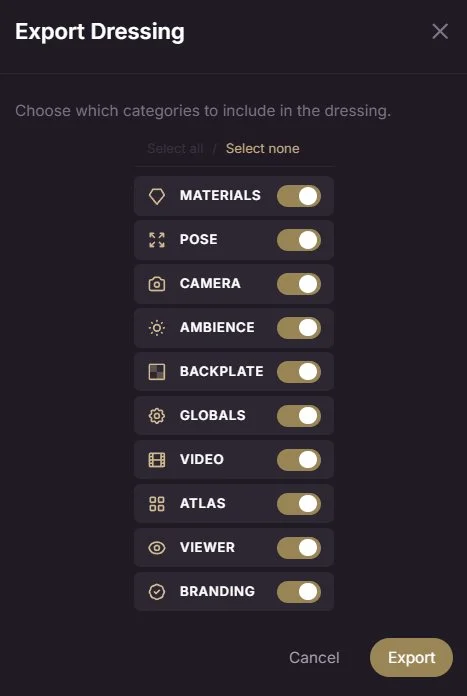
Why You'll Love It
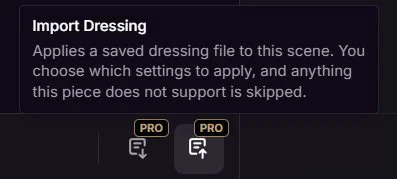
Instant Drag-and-Drop Workflow: Once you have saved a Dressing, you can simply drag and drop the file directly into the viewport onto a new model.
Boom!
Instant setup!
Perfect for Model Families: If you work with variations of the same product, or models that share the same layer structure, Dressings will save you an unbelievable amount of time. The software seamlessly maps the saved materials and parameters to the new model.
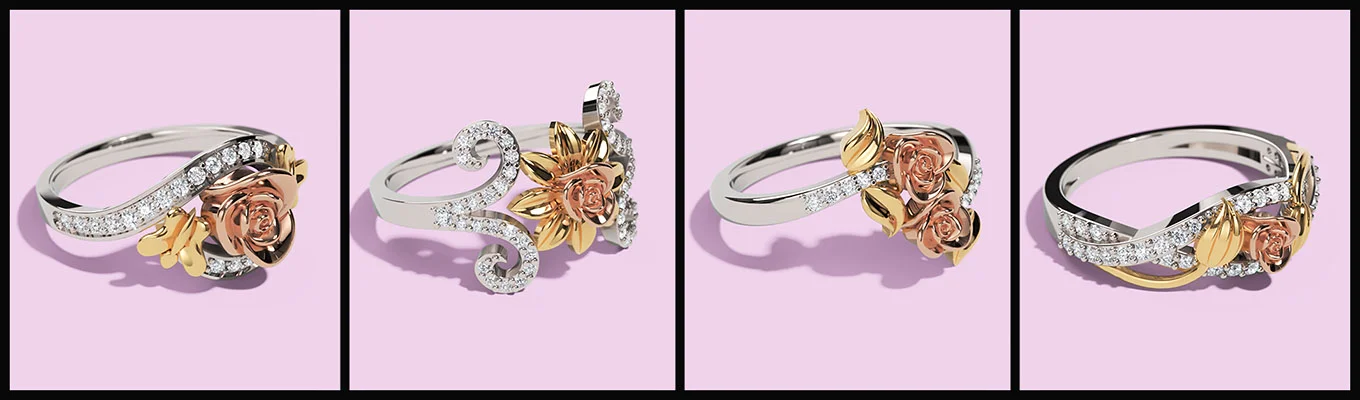
Granular Control: Don't want to copy everything? No problem. When importing a Dressing, you have full control over which specific parameters carry over. You can choose to apply only the materials while keeping the current lighting, or update just the globals and backplate without touching the camera pose. You build the setup exactly how you want it, piece by piece.
Work Smarter, Not Harder
The true power of Dressings lies in letting you focus on what actually matters: being creative. By eliminating the busywork of manual scene recreation, you can streamline your workflow, maintain perfect visual consistency across product lineups, and render out variations faster than ever before.
YouTube Tutorial
Check out the full video tutorial about Dressings on our YouTube channel:
Available for Pro and Pro+ Users
The time-saving potential of a feature like Dressings can be massive. That is why it is available for Pro and Pro+ users.
If you are an Essential user, we highly encourage you to upgrade your license to benefit from this and many other features that will make your workflow in Excelsior more efficient, faster, and productive.
Best regards.