Why Gems Render Better in Maverick Excelsior
Why Gem Cut Quality Matters, and How We Handle It
Hello, jewelry lovers!
Today I want to talk about something that almost no one notices until it bites you in the middle of a render: the quality of the gem cut models that ship with your favorite jewelry CAD software.
The Dirty Little Secret of Gem Libraries
You would think that, after decades of jewelry CAD, the humble round brilliant, the emerald cut, the marquise, and the princess would be perfectly modeled by now. They are not.
Even the most popular jewelry CAD packages (such as Matrix, MatrixGold, or RhinoGold) bundle gem cuts that are, more often than not, inexactly modeled. The usual suspects:
Too many facets. Extra subdivisions and over-tessellated polygons for no particular reason.
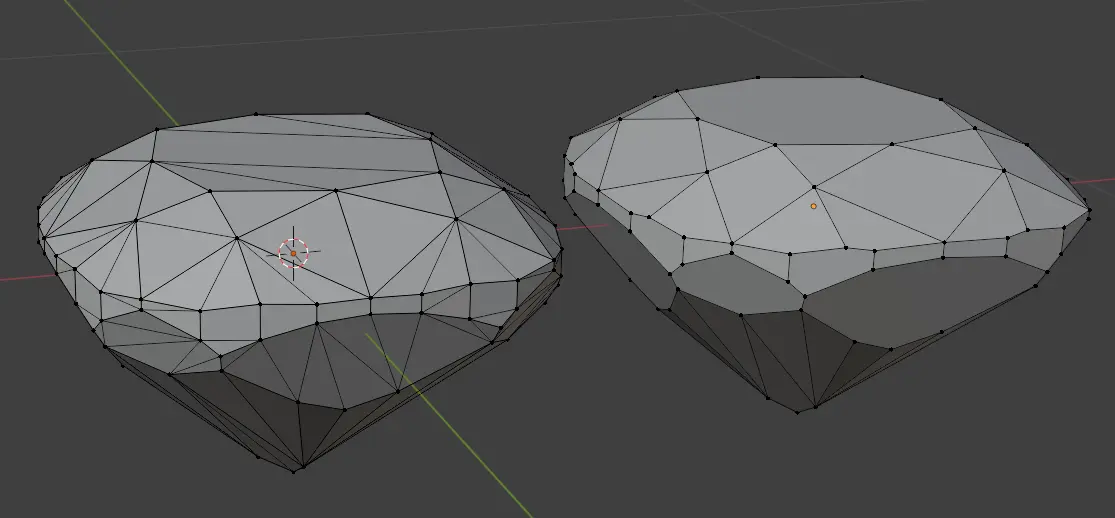
Unwelded vertices. Neighboring facets that look joined but are actually two separate points sitting on top of each other, leaving invisible cracks along every edge.
Flipped faces. Normals pointing inward on one or two facets, so the renderer thinks light is entering the stone when it should be leaving it (or vice versa).
And the worst offender: Non-coplanar faces. A single facet made of four or more vertices that do not lie on the same plane, so the "flat" surface is secretly a subtle bend.
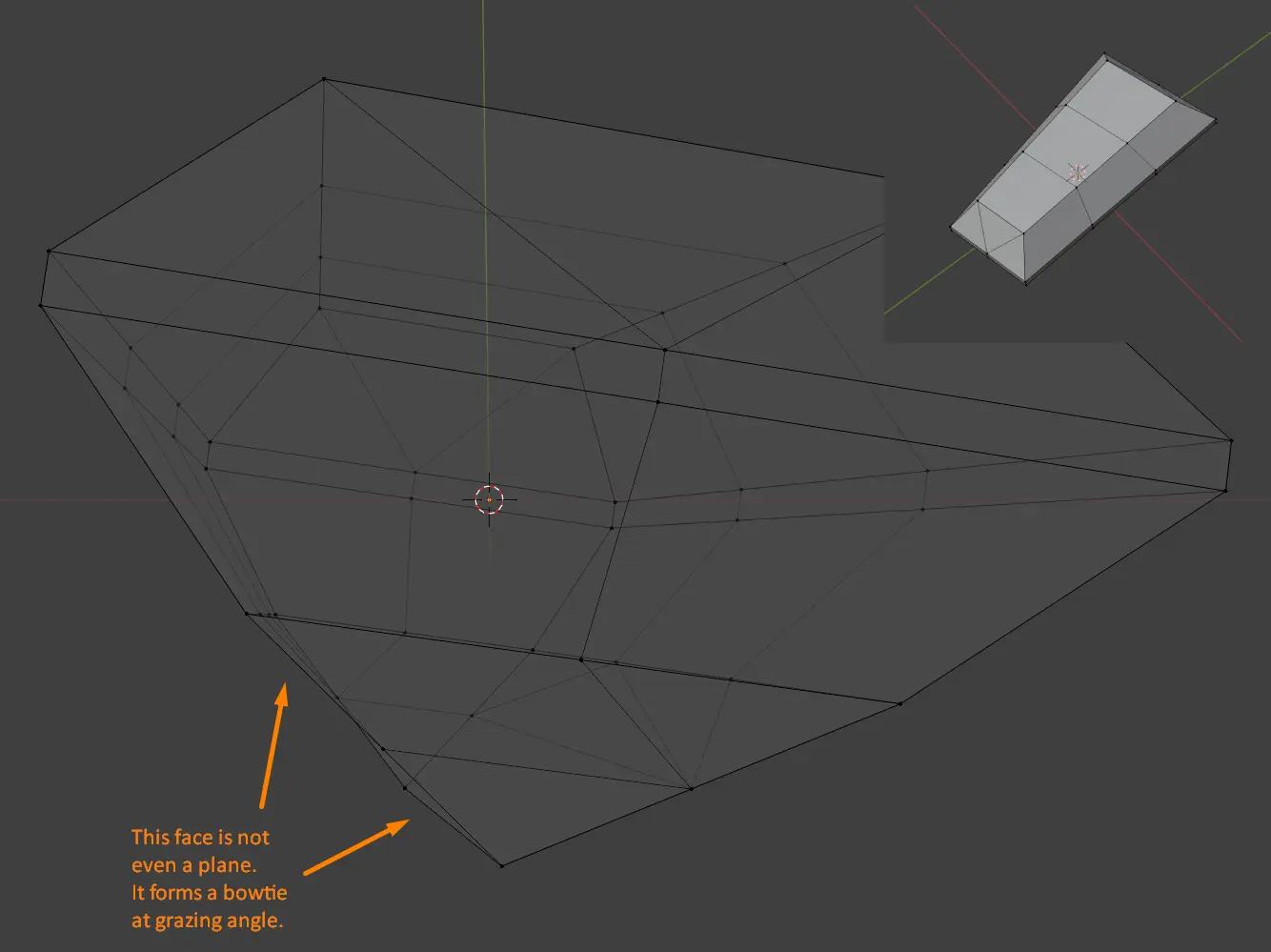
And quite often, a single stone manages to exhibit a mix of all of the above at once:
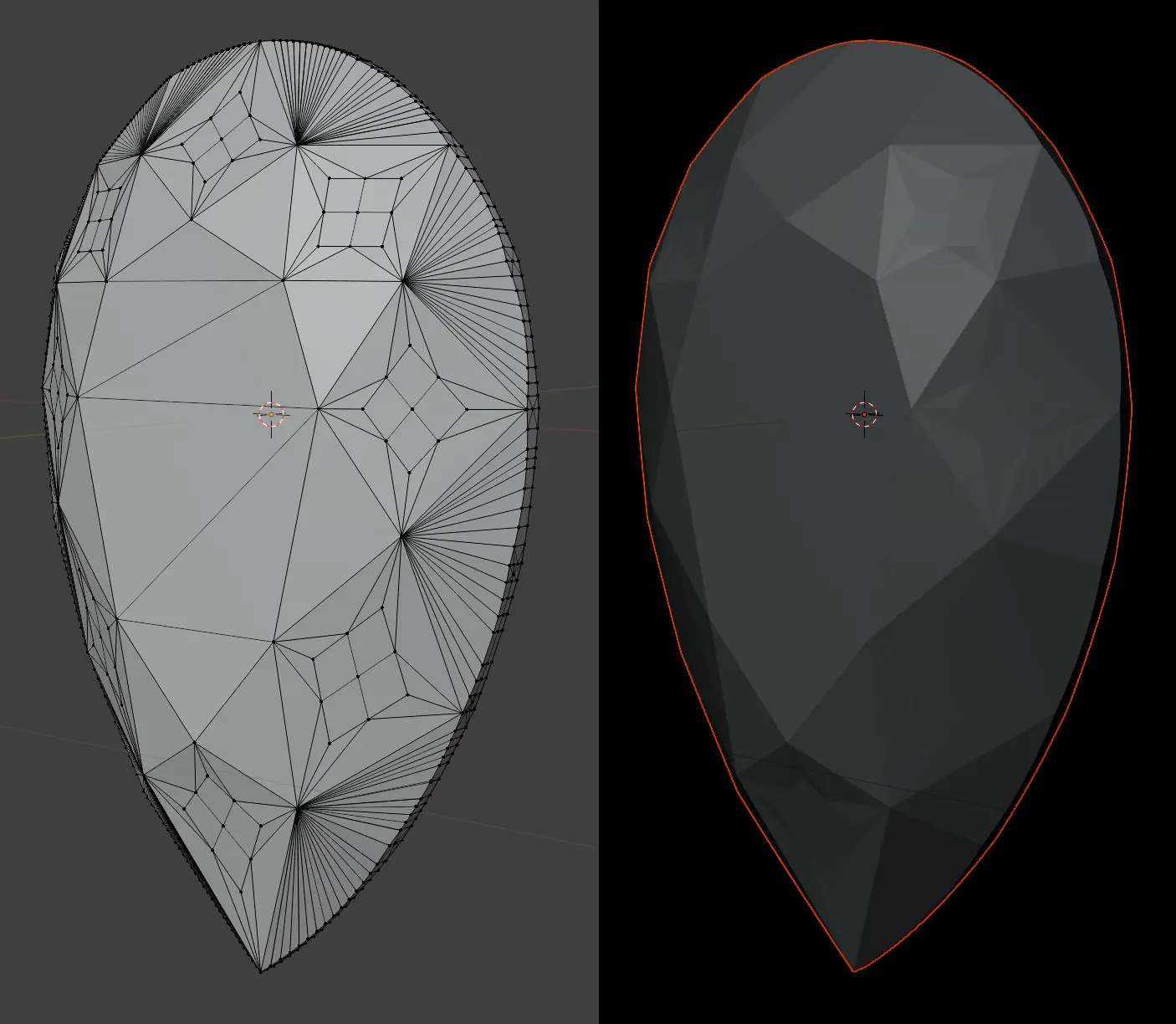
To the naked eye, in a shaded viewport, all of these look innocently perfect. You would never know anything was wrong.
Why It Matters for Path Tracing
Here is the catch: a gemstone is not a trivial surface. It is a dense, highly refractive volume where every ray of light bounces, splits, and reflects internally many times before finding its way back to the camera. That is what gives a diamond its fire and a sapphire its depth.
In that world, a tenth of a millimeter changes everything. An unwelded vertex becomes a light leak. A flipped normal turns a total internal reflection into a black void. A non-coplanar facet scrambles the angle of refraction just enough to ruin the pattern of sparkle across the crown.
The result is a stone that looks dull, muddy, or weirdly dark in one spot for reasons nobody can explain, because the defects are invisible in the modeling viewport. They only reveal themselves once refraction and total internal reflection enter the picture.
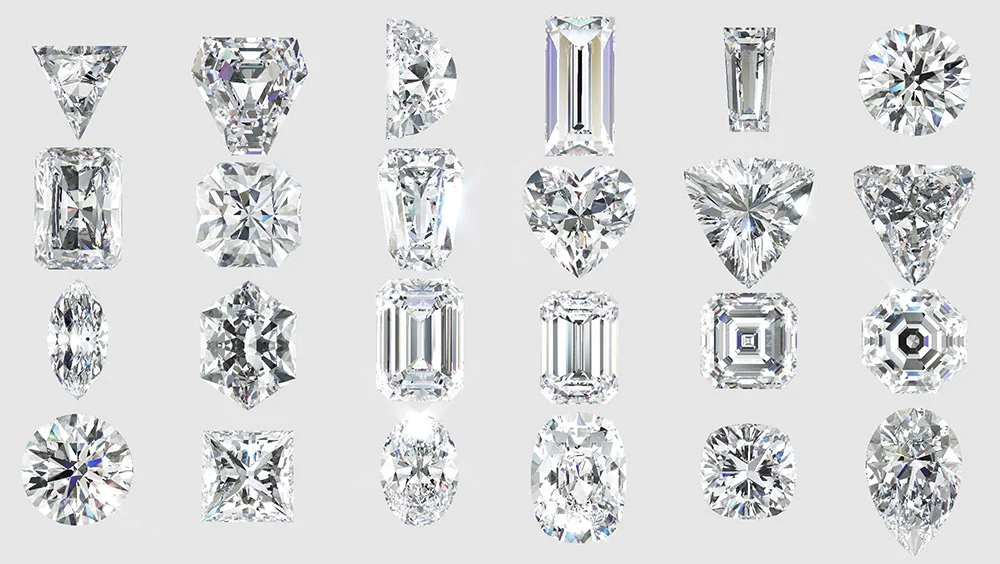
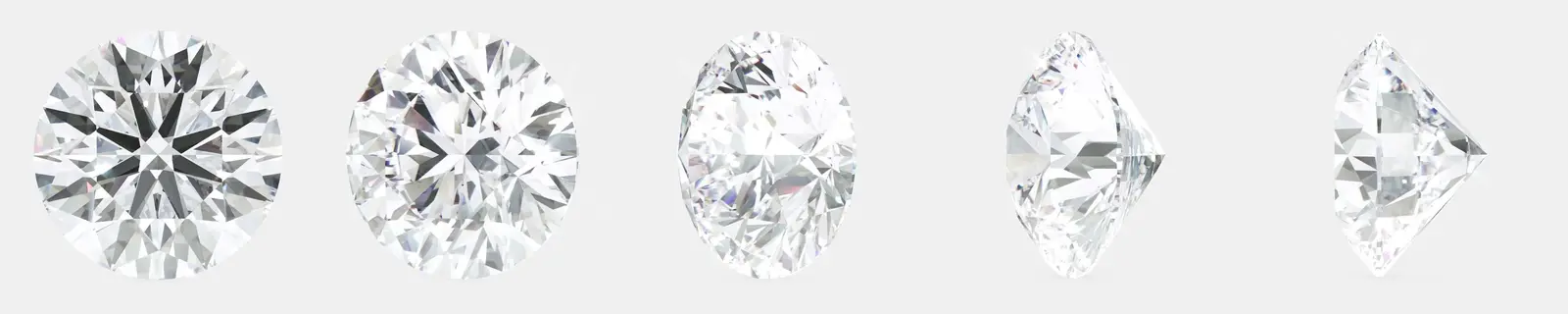
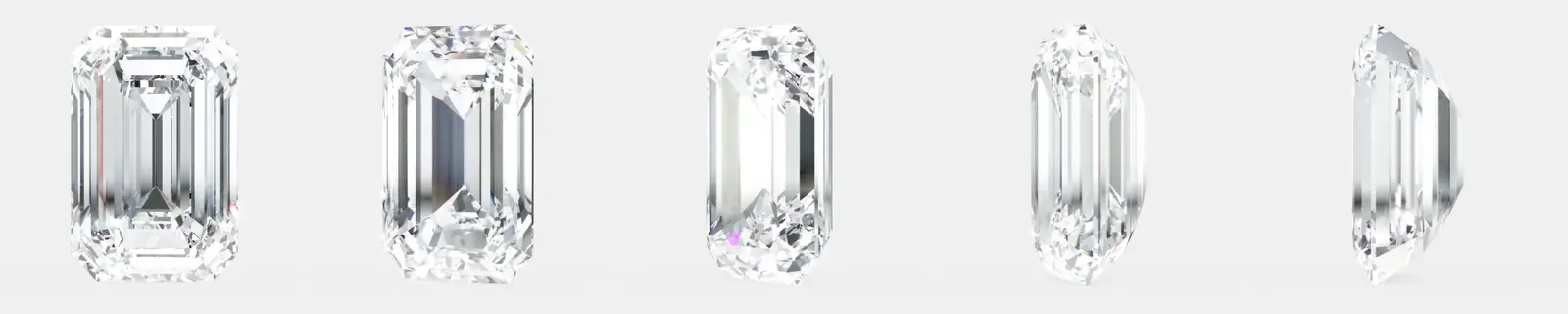
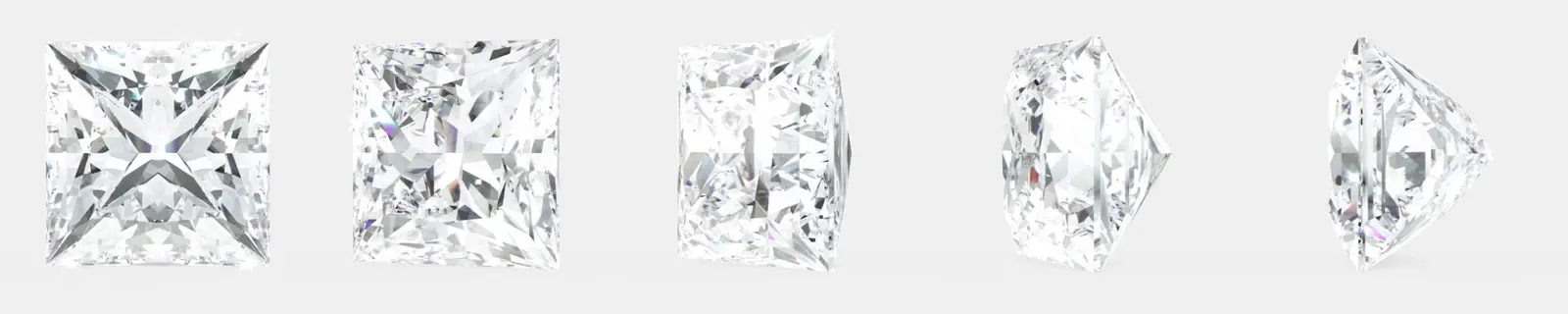
For reference, here are a few correctly modeled cuts from our own catalog:
Use Correct Models When You Can
The best advice I can give is simple: when possible, use correctly modeled gem cuts. Clean topology, welded vertices, consistent outward-facing normals, and perfectly coplanar facets. A good gem model has few faces, because a real faceted stone is made of flat planes, not curved patches. Modern CAD packages tend to do this better than older ones.
If you are building your own library, it is worth spending an afternoon auditing your gems. You will be surprised how many "professional" files have issues.
But Fret Not: Maverick Excelsior Has Your Back
Of course, in the real world you cannot always control where your gem models come from. Clients send you files, legacy libraries get reused, and not every stone is going to be textbook perfect.
That is why Maverick Excelsior ships with its own internal gem analysis system. During path tracing, we do our best to detect and rectify common geometry degeneracies on the fly.
You do not have to configure anything. It just happens, quietly, every time you hit render. The goal is that even an imperfect gem model comes out looking like a proper faceted stone, with the fire and brilliance you expect.
A truly correct model will always render best, naturally. But if you have ever wondered why your stones look better in Maverick Excelsior than in other renderers, this is a big part of the reason.
Sign up for an account and try Maverick Excelsior today.